

Add the OpenPipe Integration
Navigate to 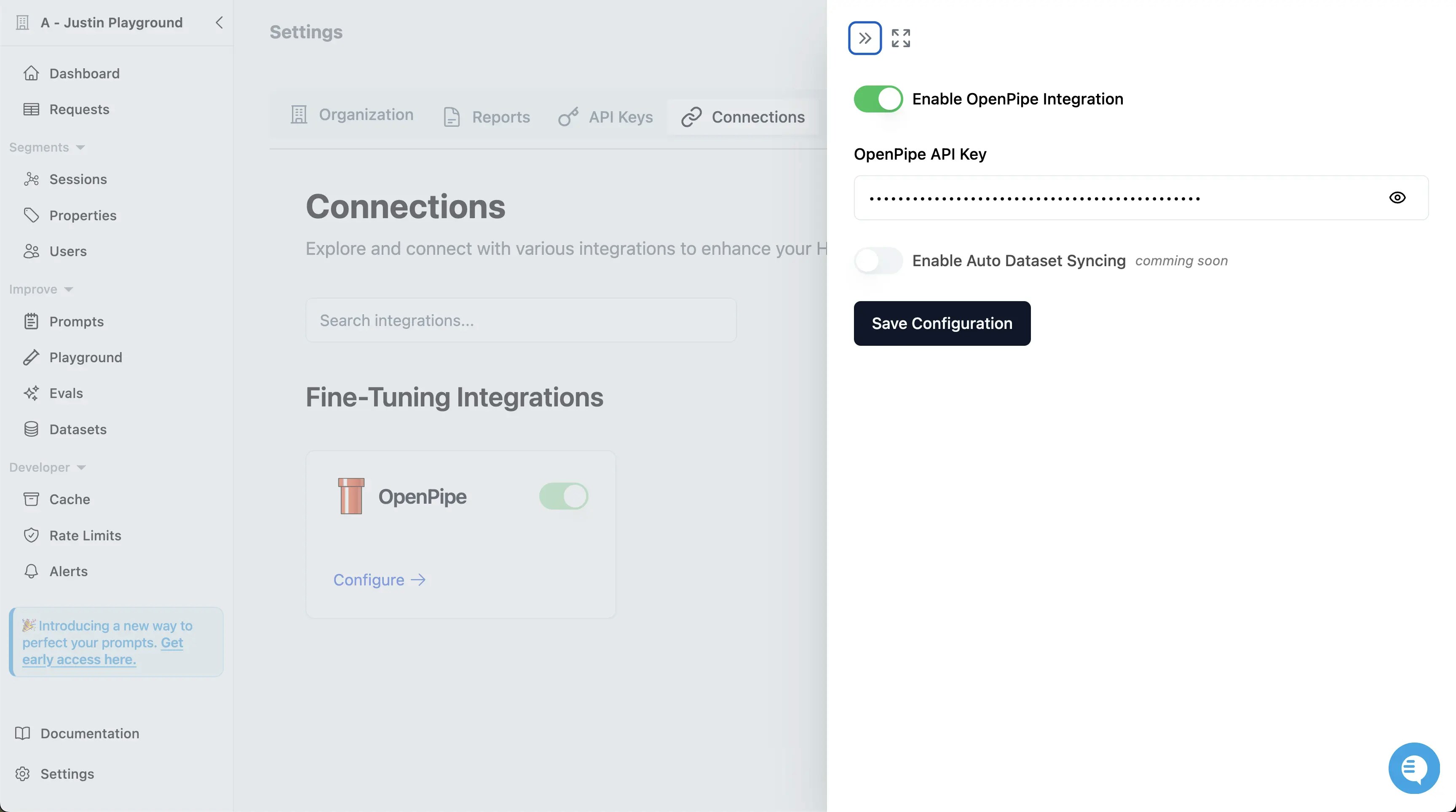
Settings -> Connections in your Helicone dashboard and configure the OpenPipe integration.Create a Dataset for Fine-Tuning
Your dataset doesn’t need to be enormous to be effective. In fact, smaller, high-quality datasets often yield better results.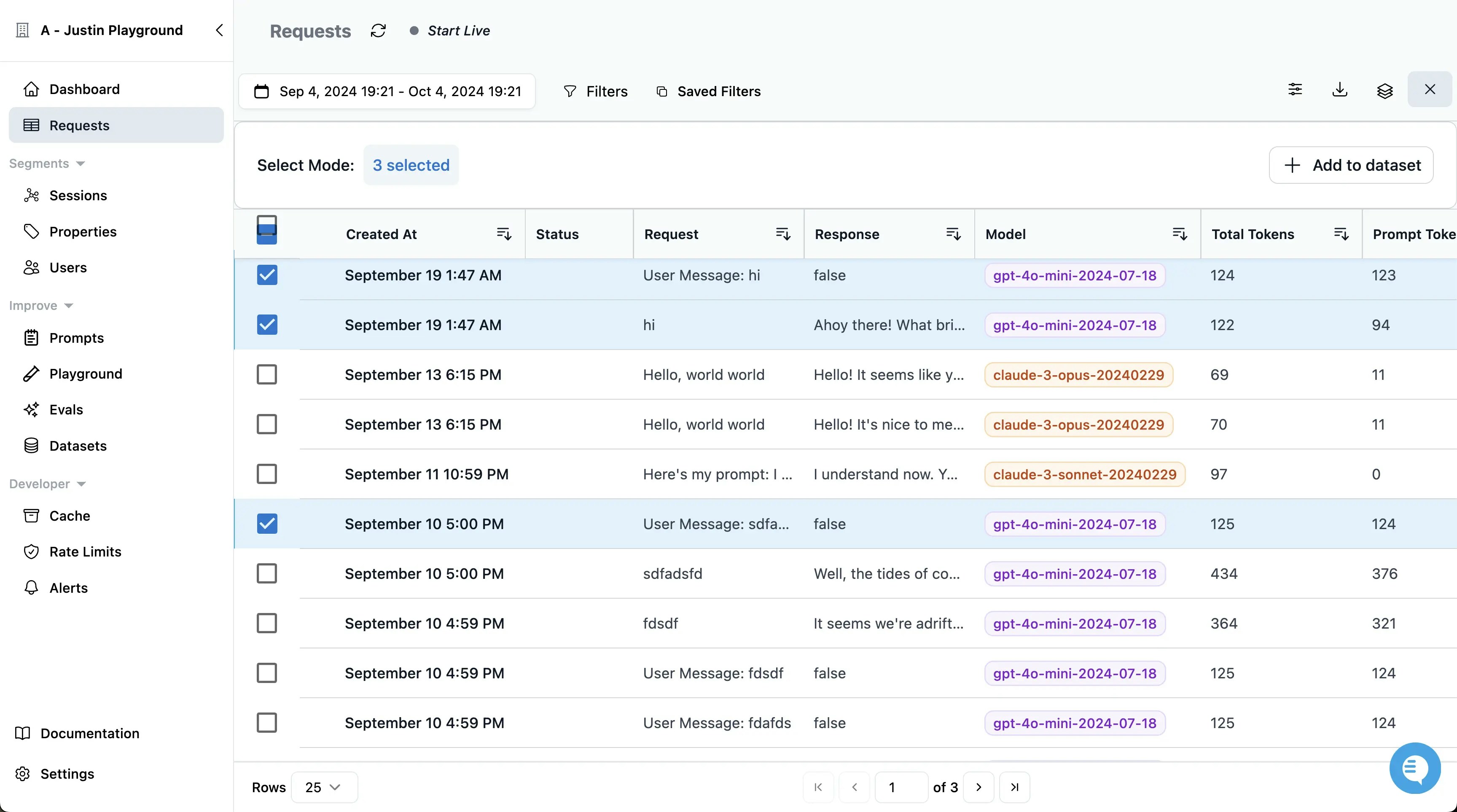
- Recommendation: Start with 50-200 examples that are representative of the tasks you want the model to perform.
Evaluate and Refine Your Dataset
Within Helicone, you can evaluate your dataset to identify any issues or areas for improvement.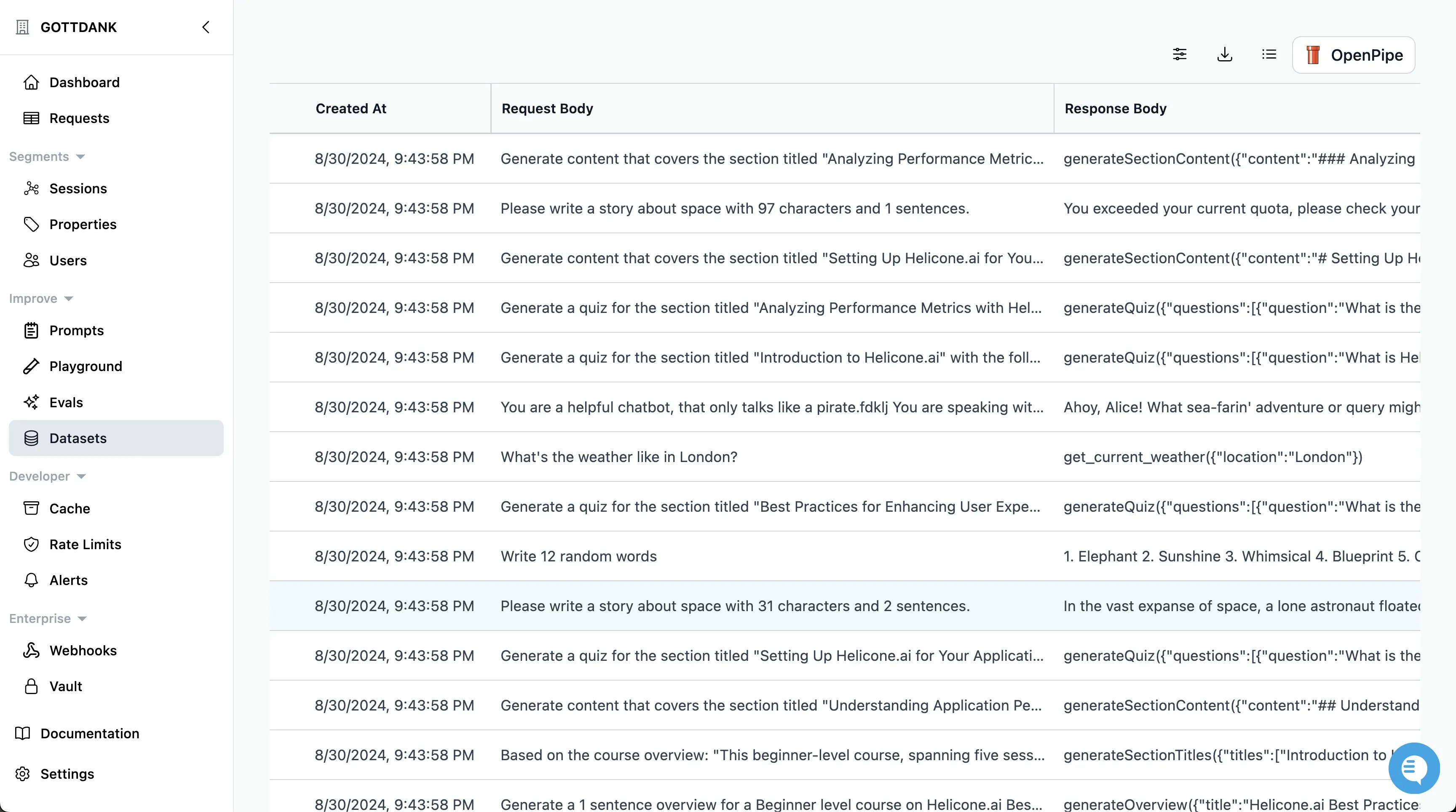
- Review Samples: Check for consistency and clarity in your examples.
- Modify as Needed: Make adjustments to ensure the dataset aligns closely with your desired outcomes.
Configure Your Fine-Tuning Job
Set up your fine-tuning job by specifying parameters such as: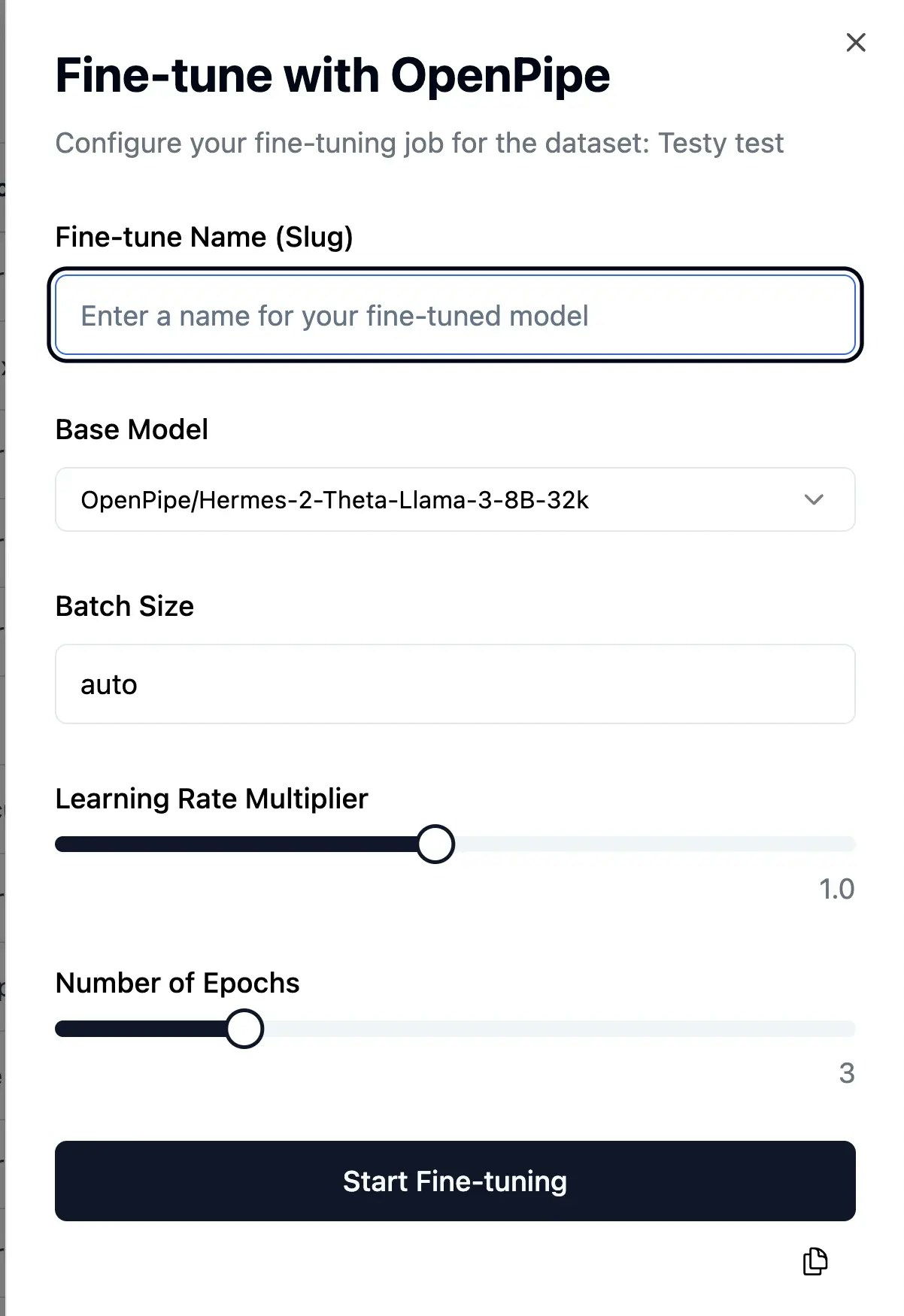
- Model Selection: Choose the base model you wish to fine-tune.
- Training Settings: Adjust hyperparameters like learning rate, epochs, and batch size.
- Validation Metrics: Define how you’ll measure the model’s performance during training.