

Use Case 1
Tracking Environments
Use Case 2
User Segmentation
Use Case 3
Advanced Segmentation
If you have other use cases, we’d love to know! Send us an
email or schedule a
call with us.
Use Case 1: Tracking Environments
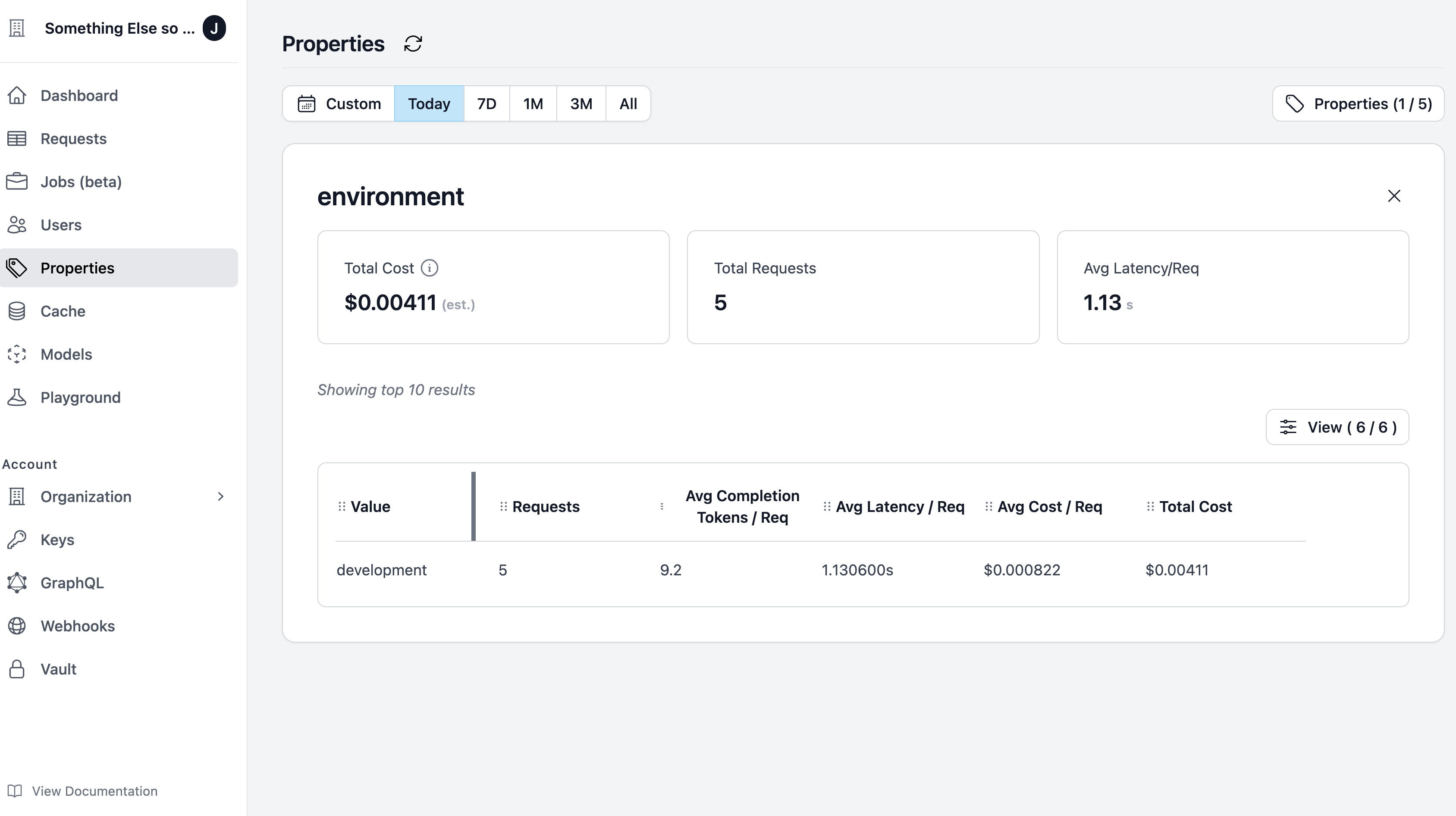
Organizations use Custom Properties to track different environments (i.e. development, staging, and production). To distinguish between these environments, you can create aHelicone-Property-Environment property.
Quick Start
Send a request.
You will then see the 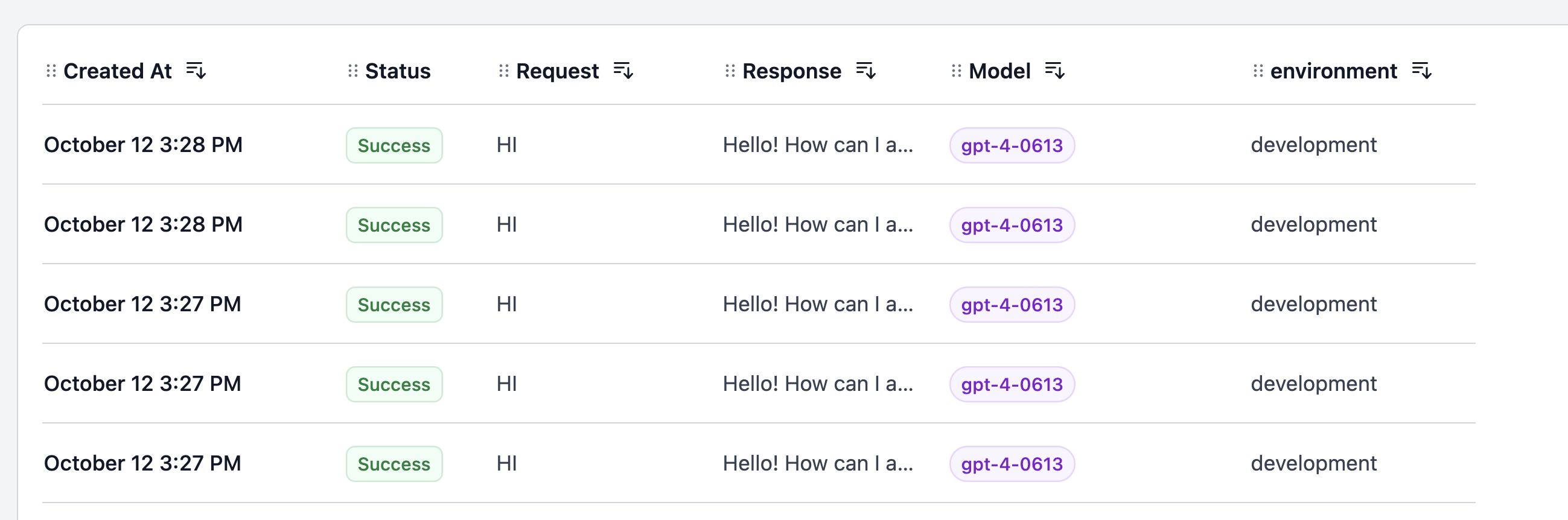
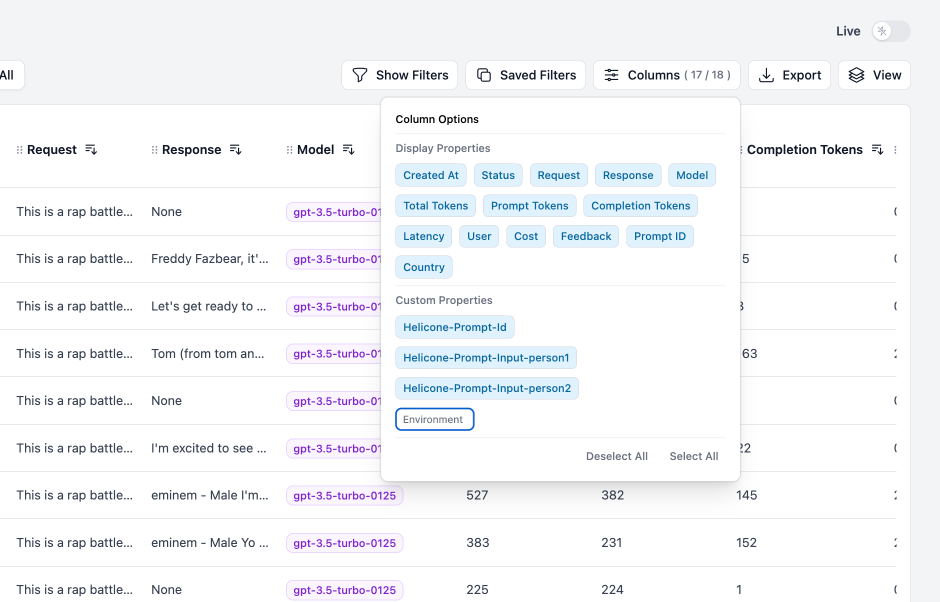
Environment property appear in the Requests page.Columns.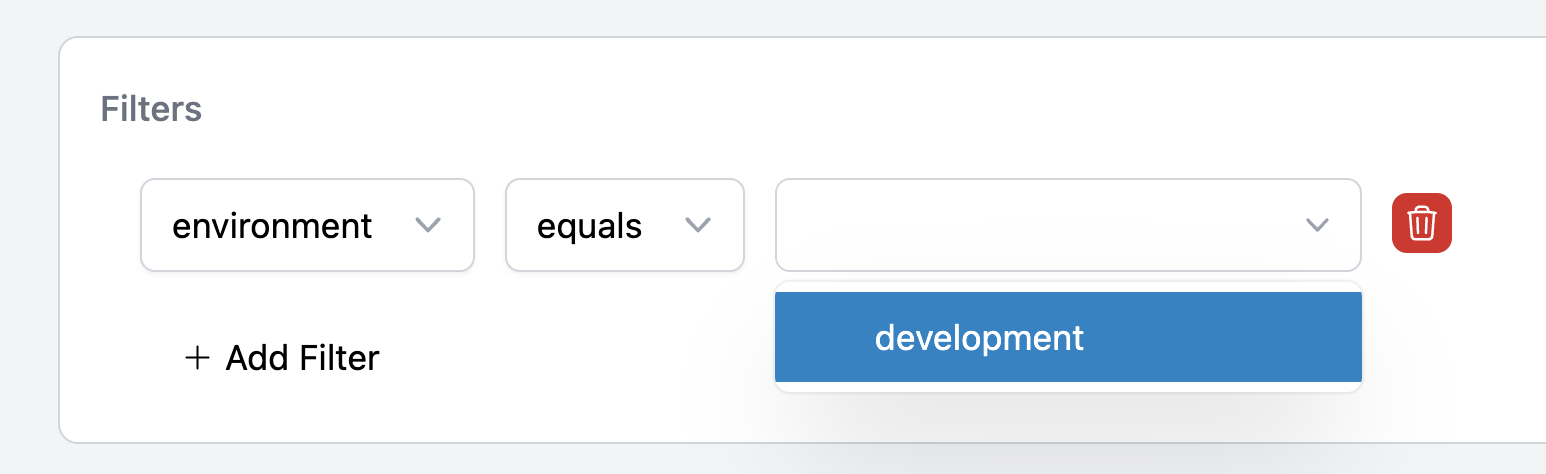
Use Case 2: User Segmentation
A common method of data segmentation is byuser type. For example, you might want to distinguish between paying and free users to understand their behaviors and costs.
Quick Start
To do this, create auser_type custom property and assign either “paid” or “free”.
Further Segmentation
Suppose you want to understand the behavior of paying users when they use a specific feature (i.e. spellcheck). You can add aFeature custom property.
plan and Job ID. There are no limits on the number of custom properties you can add.
Analyzing Segmented Data
Segmented data can provide you with invaluable insights. For example, you might discover that your free users are using the spellcheck feature more than your paid users. This could signal an opportunity to market this feature more aggressively within your premium plans.Use Case 3: Advanced Segmentation
You can refine your segments further by incorporating other properties. The more detailed your segments, the more accurate insights you can derive. Here are some examples:- Location:
Helicone-Property-Location - Device type:
Helicone-Property-Device-Type - Use activity level:
Helicone-Property-Activity-Level
Need more help?
Need more help?
Additional questions or feedback? Reach out to
help@helicone.ai or schedule a
call with us.